
WooCommerce Integration
Automatic PDF Invoices for Every WooCommerce Order
Every WooCommerce order automatically generates a branded PDF invoice and attaches it to the
order confirmation email. No manual exports. Just professional documents, every time.
Order Invoices
Customer Receipts
Branded Documents
Packing Slips
Downloadable PDFs
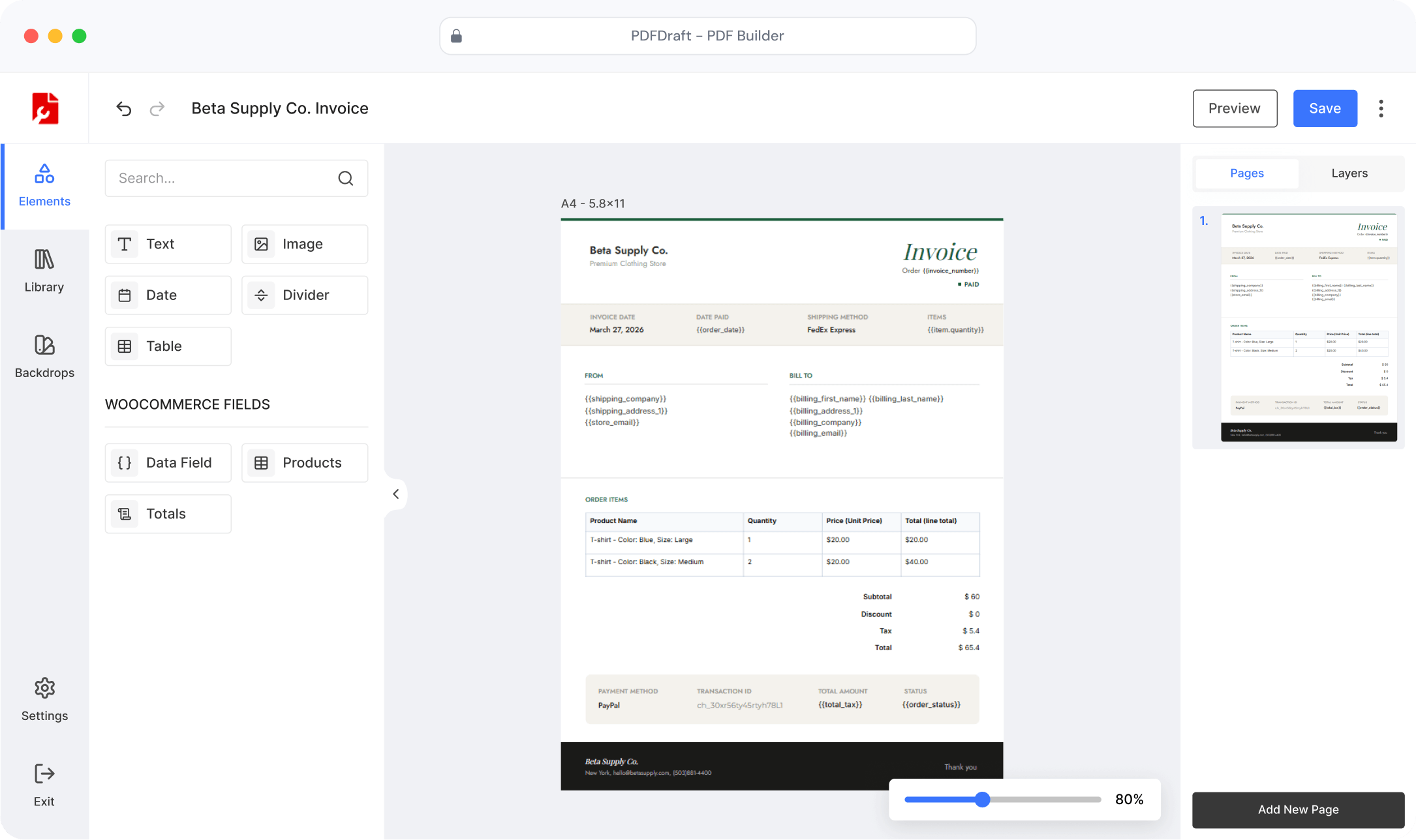


Fully
Branded PDFs
100%
Automated generation
5 min
Setup time
Zero
Missed invoices
The Problem
WooCommerce Orders Shouldn’t Mean Manual Invoice Work
Most WooCommerce stores handle invoicing as an afterthought — manually exported CSVs, generic system emails, or expensive third-party tools that still require setup every time you change a template. Meanwhile customers expect a professional PDF in their inbox the moment they order.
Manually exporting invoices after every order — tedious and error-prone
Generic order emails with no PDF attached — looks unprofessional to customers
No easy way to generate a product catalog PDF to share with wholesale buyers
The old way
📋 Order placed → manually open admin → export CSV → format in Excel → email customer
⏰ Customer asks for invoice → dig through order history → resend manually
🎨 Want branded PDFs? Hire a developer. Change a logo? Developer again.
vs. PDFDraft: order placed → PDF generated → attached to email. Done.
SETUP IN MINUTES
From Install to Automated Invoices in 4 Steps
No developer needed. No complicated configuration. WooCommerce invoice generation running in under five minutes.
Install PDFDraft
Download PDFDraft free from WordPress.org. The WooCommerce invoice addon is included
Configure the Addon
Go to PDFDraft → Settings → WooCommerce to set your invoice generation preferences
Design Your Invoice
From PDFDraft → Home, open WooCommerce and start from scratch or pick a pre-designed template. Add your logo, branding, and order details
Save — Every Order is Covered
Save your template. From now on, every WooCommerce order generates a PDF invoice and sends it with the order email automatically
What You GET
Everything in the WooCommerce Invoice Addon

Automatic Invoice Generation
Every WooCommerce order automatically generates a PDF invoice — no manual action, no delay, no missed documents.

Dynamic Order Data
Customer name, address, order items, totals, and more fill in automatically for every order — no copy-pasting, no errors.

Fully Custom Invoice Design
Design your invoice visually — add your logo, brand colors, and layout. No code, no templates to fight with.

Sent With Every Order Email
The PDF invoice attaches itself to the WooCommerce order confirmation email. Customers get it instantly, without you doing anything.

Packing Slips & Receipts
Generate packing slips and receipts alongside invoices with separate templates per document type.
ORDER DATA
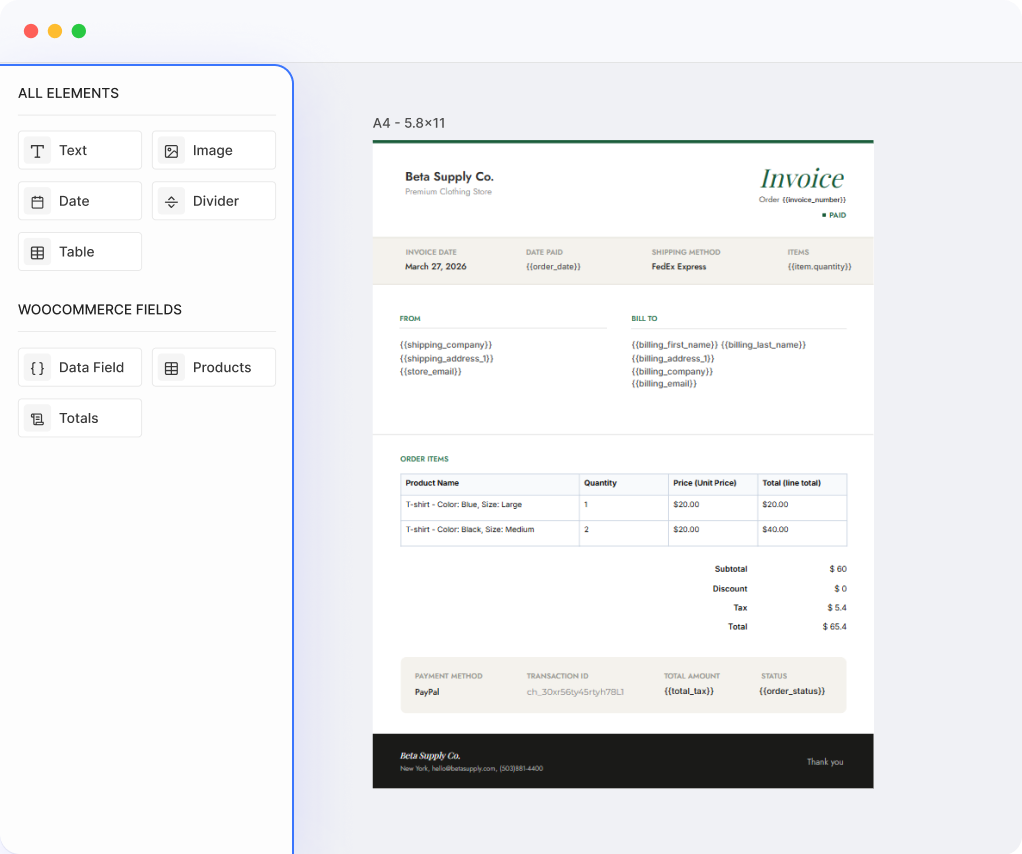
Every Invoice Fills Itself In
Your invoice template connects directly to WooCommerce. When an order comes in, the customer’s name, address, items, totals, and order number all drop in automatically — exactly as they appear in the order.
Customer name, billing and shipping addresses
Order number, date, and line items with quantities and prices
Subtotal, taxes, shipping, and grand total
Any other order detail available in WooCommerce
VISUAL TEMPLATE BUILDER
Design Your Invoice Once, Use It for Every Order
The PDFDraft visual editor gives you complete layout control. Place your logo, set brand colors, choose fonts, and position order fields anywhere on the canvas. One template, every order, always on brand.
Upload your logo and set brand colors and custom fonts
Drag and drop text, images, dividers, and order fields anywhere on the canvas
Start from scratch or pick a pre-designed template from the addon home screen
One invoice template per store — fully customizable with the visual editor
EMAIL ATTACHMENT
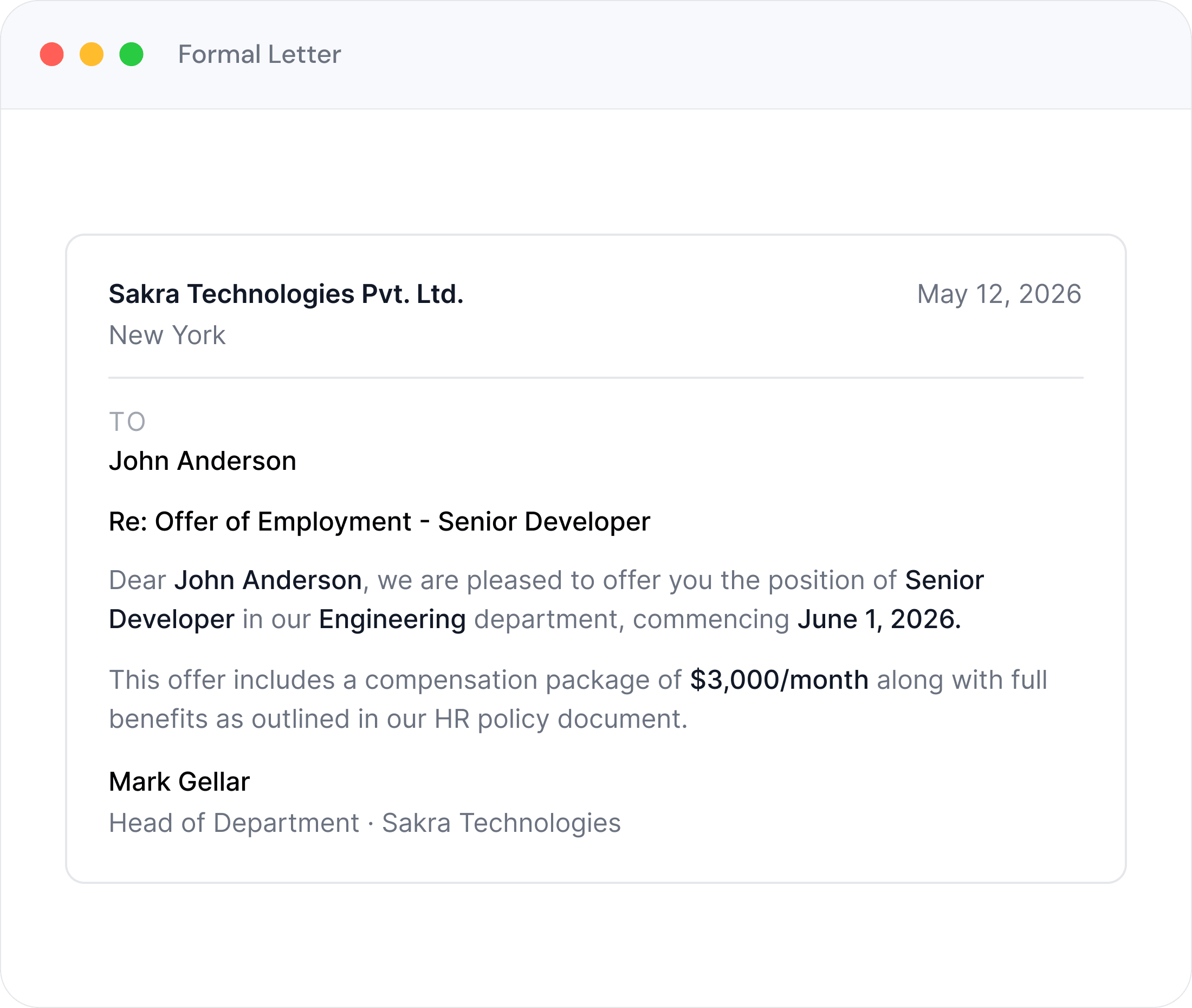
PDF Invoice Delivered With Every Order Email
When an order is placed, PDFDraft generates the invoice and attaches it to the WooCommerce order confirmation and processing emails. Your customer receives their branded invoice without any manual work on your part.
Triggers automatically when an order is placed — no manual send
Attaches to WooCommerce order confirmation and processing emails
Customer receives their branded invoice instantly with every order
INVOICE TEMPLATES
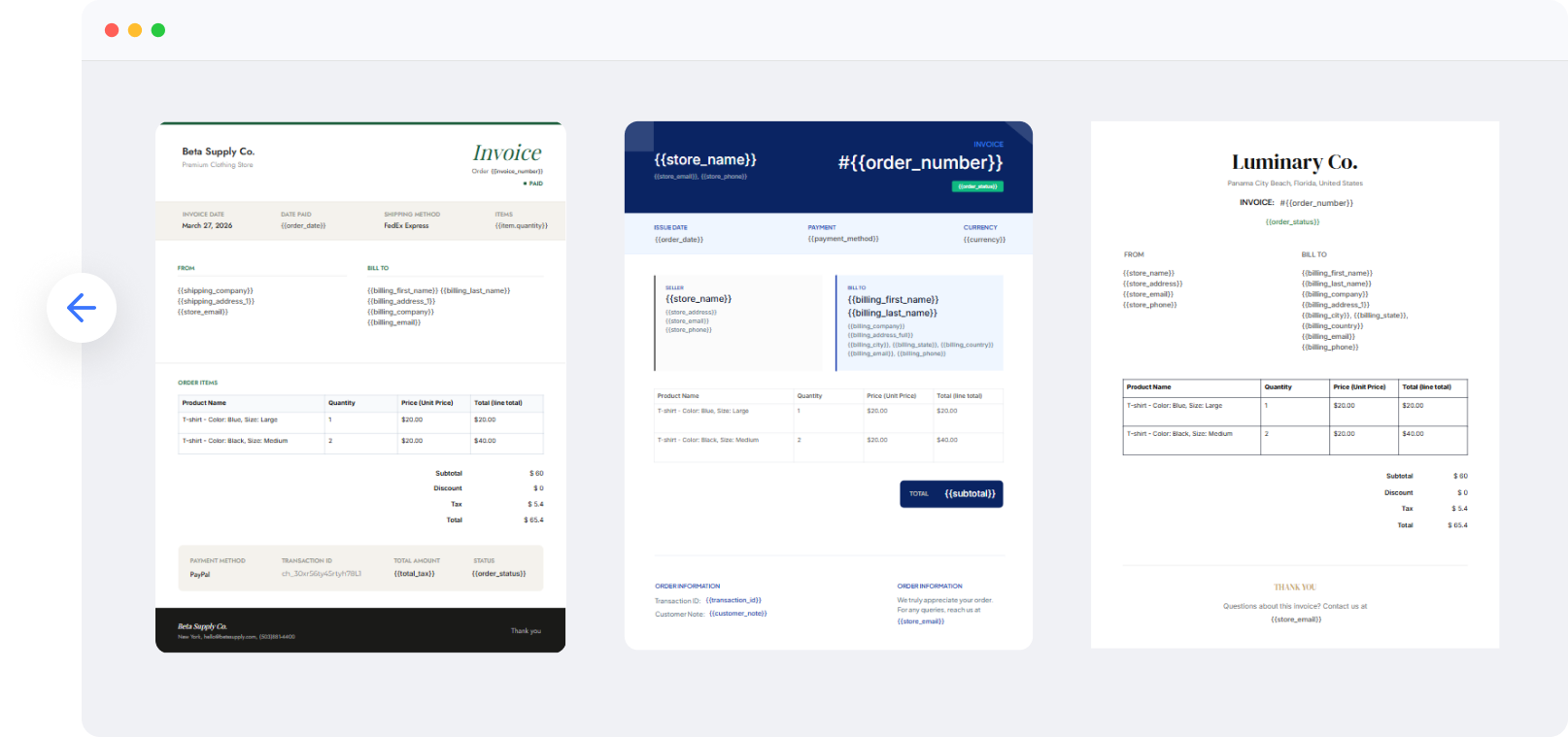
Start with a Professional Invoice Template
Choose a template as your starting point, then customize with your branding
and order fields in the visual editor.
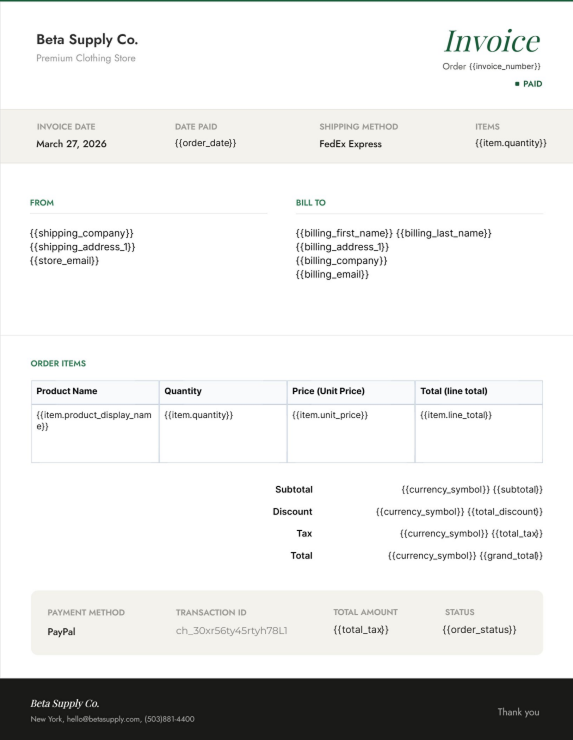
Evergreen
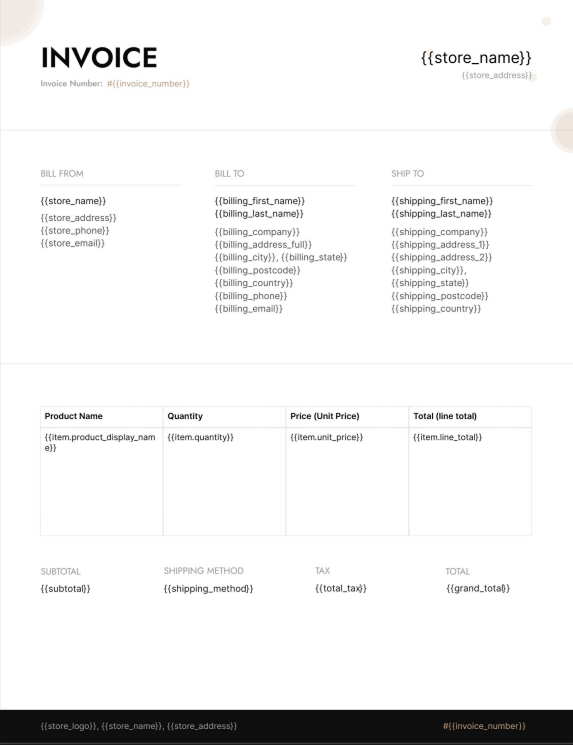
Evergreen
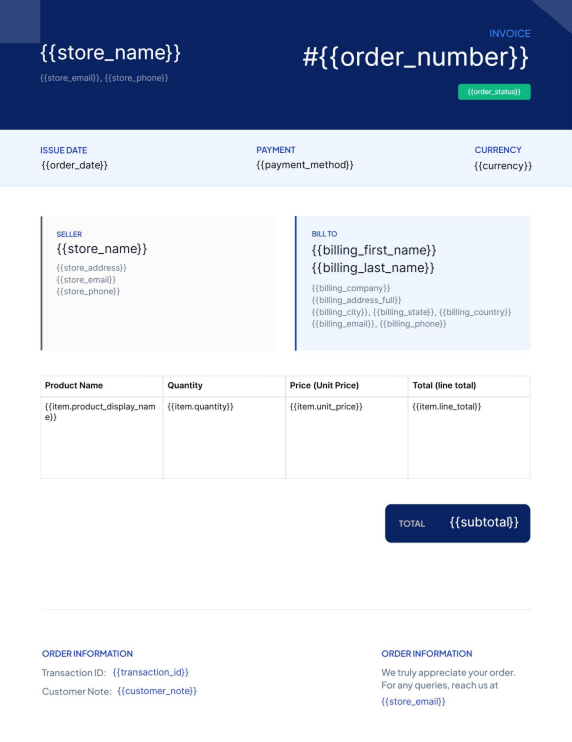
Evergreen
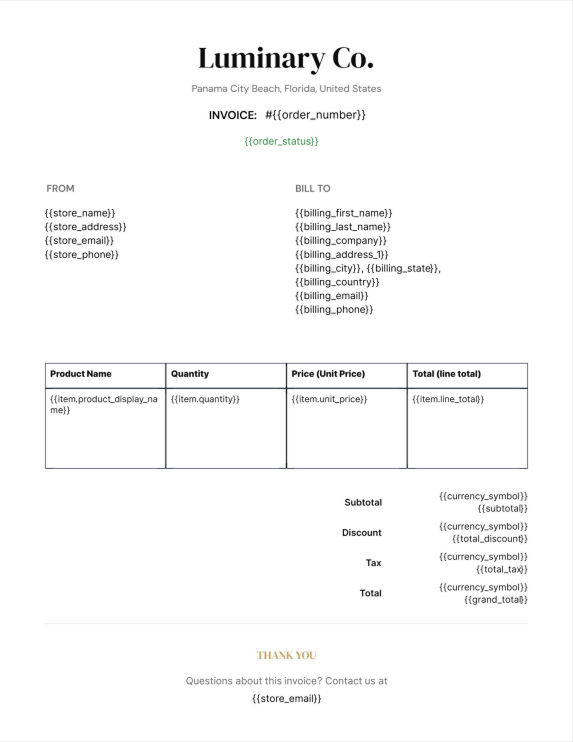
Evergreen
FAQ
Common Questions About the
WooCommerce Invoice Addon
It’s a free addon that works alongside PDFDraft. Both need to be installed and active, together with WooCommerce. Once they’re all running, go to PDFDraft → Settings → WooCommerce to get started.
When you design your invoice template, you place special fields on the canvas for things like customer name, order items, and totals. When a real order comes in, those fields are replaced with the actual order data before the PDF is generated.
Automatically, the moment an order is placed. The PDF is generated and attached to the WooCommerce order confirmation email — no manual step required on your end.
Yes, fully. You design the invoice in PDFDraft’s visual editor — add your logo, set colors, choose fonts, and arrange everything the way you want. One template is supported per store, and you can update it any time.
Not yet — product catalog generation is on the roadmap. When it ships, you’ll be able to generate a branded, print-ready catalog of your WooCommerce products for wholesale buyers, trade shows, or offline sales.
The current version supports one invoice template per store. Packing slips and receipts as separate document types are coming in a future release.
GET STARTED FREE
Start Generating WooCommerce Invoices Today
Install PDFDraft and the free WooCommerce addon. Design your invoice template once,
and every order takes care of itself.