
WOOCOMMERCE ADDON
Invoice Generation for WooCommerce Stores
Automatically send a branded PDF invoice with every completed order. No code, no extra plugins.


Zero
design skills needed
10 min
to set up the WooCommerce addon
100%
WordPress-native, no SaaS lock-in
∞
PDF types you can generate
USE CASE 01
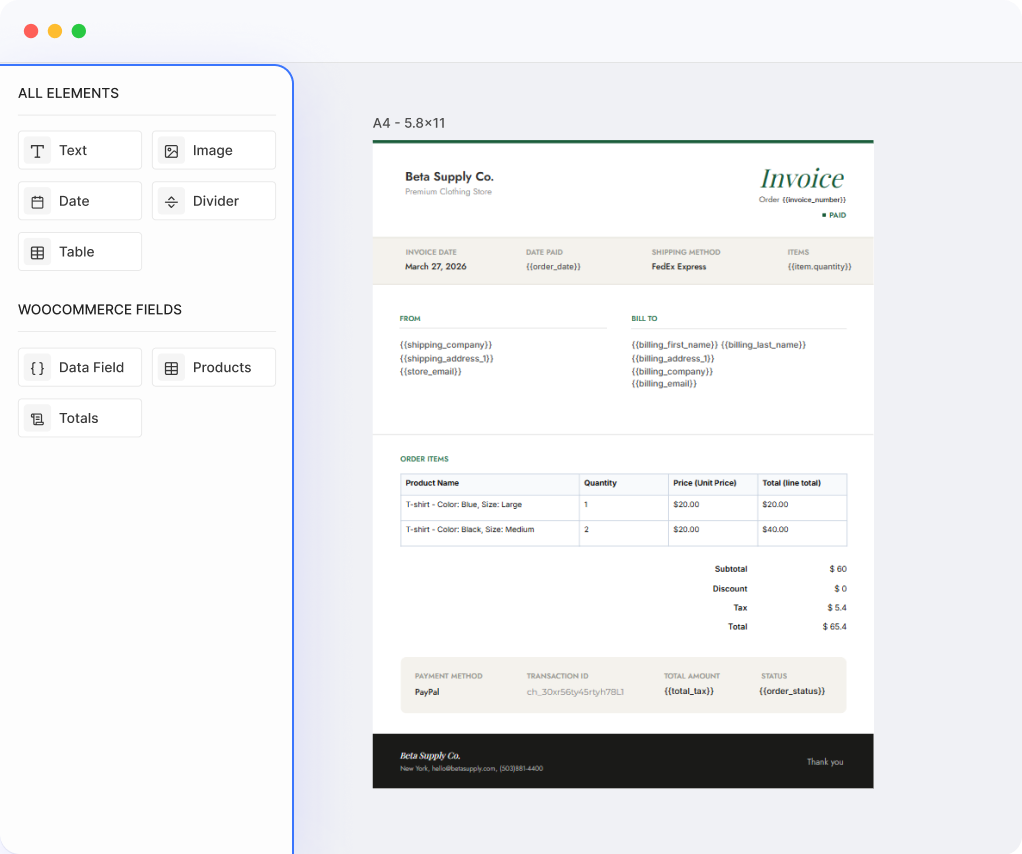
Auto-generate PDF Invoices & Receipts
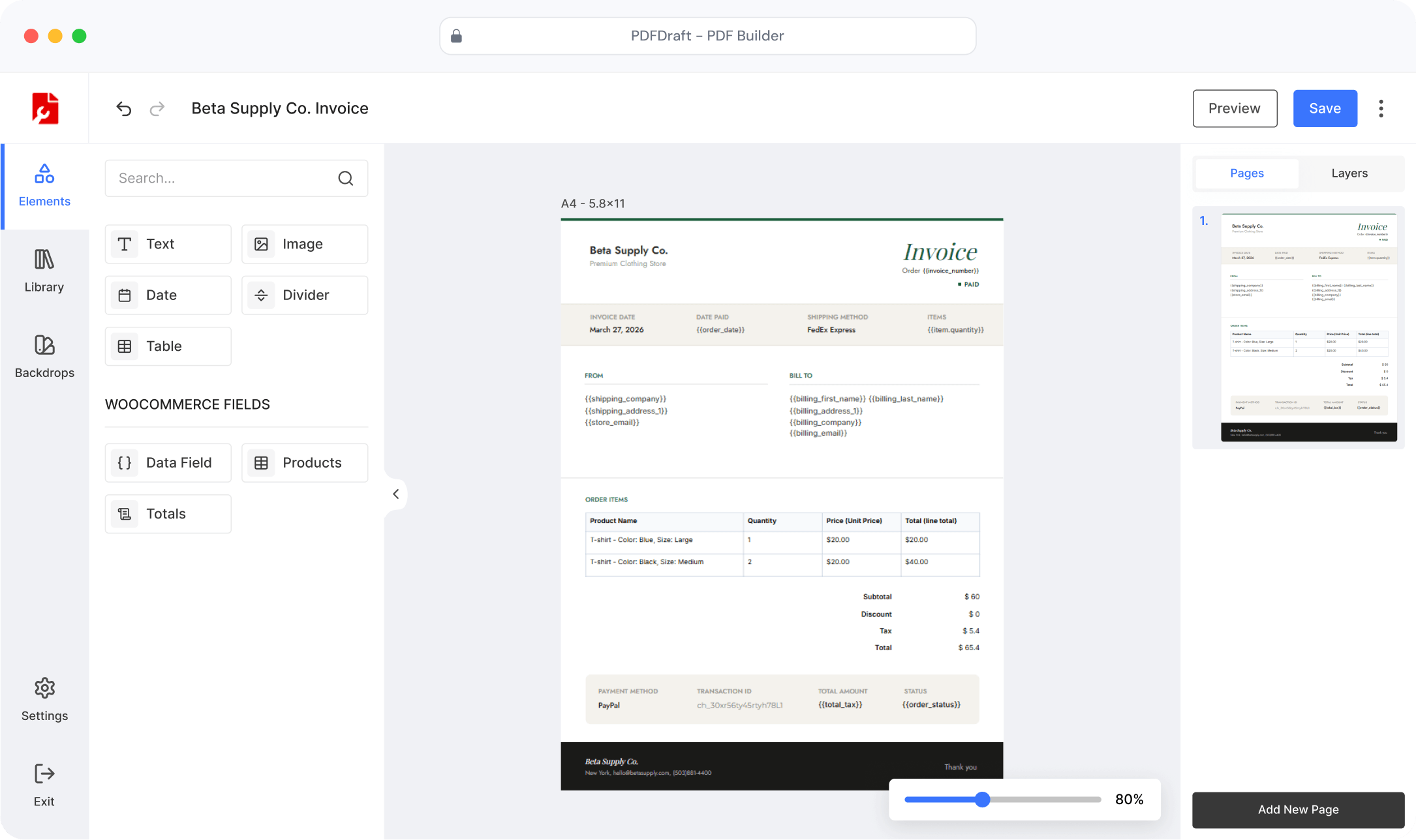
PDFDraft pulls in order details, customer information, and line items using smart tags — then attaches the finished PDF directly to the order confirmation email.
Design invoices visually — apply your logo, brand colors, and layout
Dynamic smart tags fill in order number, items, totals, and customer details
PDF auto-attaches to every WooCommerce order email
Customers can re-download their invoice from the My Account page
USE CASE 02
Invoice Available in the My Account Page
Once an order is complete, the invoice shows up in the customer’s My Account page under Downloads — right where they’d look for it. No digging through emails.
Invoice appears automatically under Downloads after every completed order
Customers can re-download it any time, from any device
Nothing extra to configure — PDFDraft handles it once the addon is set up
Works alongside the order confirmation email attachment
Downloads
| Product | Order | |
|---|---|---|
| Invoice #1042 | #1042 · May 28 | |
| Invoice #1039 | #1039 · May 14 | |
| Invoice #1031 | #1031 · Apr 29 |
Order items
Order actions
USE CASE 03
Create an Invoice Manually When You Need To
Not every invoice follows the same flow. For custom orders, corrections, or wholesale requests, you can generate a PDF invoice directly from the WooCommerce order screen — without waiting for an automated trigger.
Open any order in WooCommerce and generate the invoice on demand
Download it instantly or re-send it to the customer
Useful for corrections, manual orders, and off-flow sales
HOW IT WORKS
Up and Running in Four Steps
Install PDFDraft
Install PDFDraft from the WordPress plugin directory in under a minute.
Set Up the WooCommerce Addon
Go to PDFDraft → WooCommerce and choose your active invoice template, or create one from scratch.
Design Your Invoice Template
Start from scratch or use a pre-designed template. Add your logo, brand colors, and WooCommerce smart tags for order data.
Customers Download Their Invoice
PDFs are generated automatically on order completion. Customers download from the confirmation email, My Account Downloads, or you can generate one manually from any order screen.
Ready to Start Creating Invoices for Your WooCommerce Store?
Install PDFDraft to create branded invoices, send them automatically with every order, and let customers download them any time from their account.